






















Pattern Options là gì?
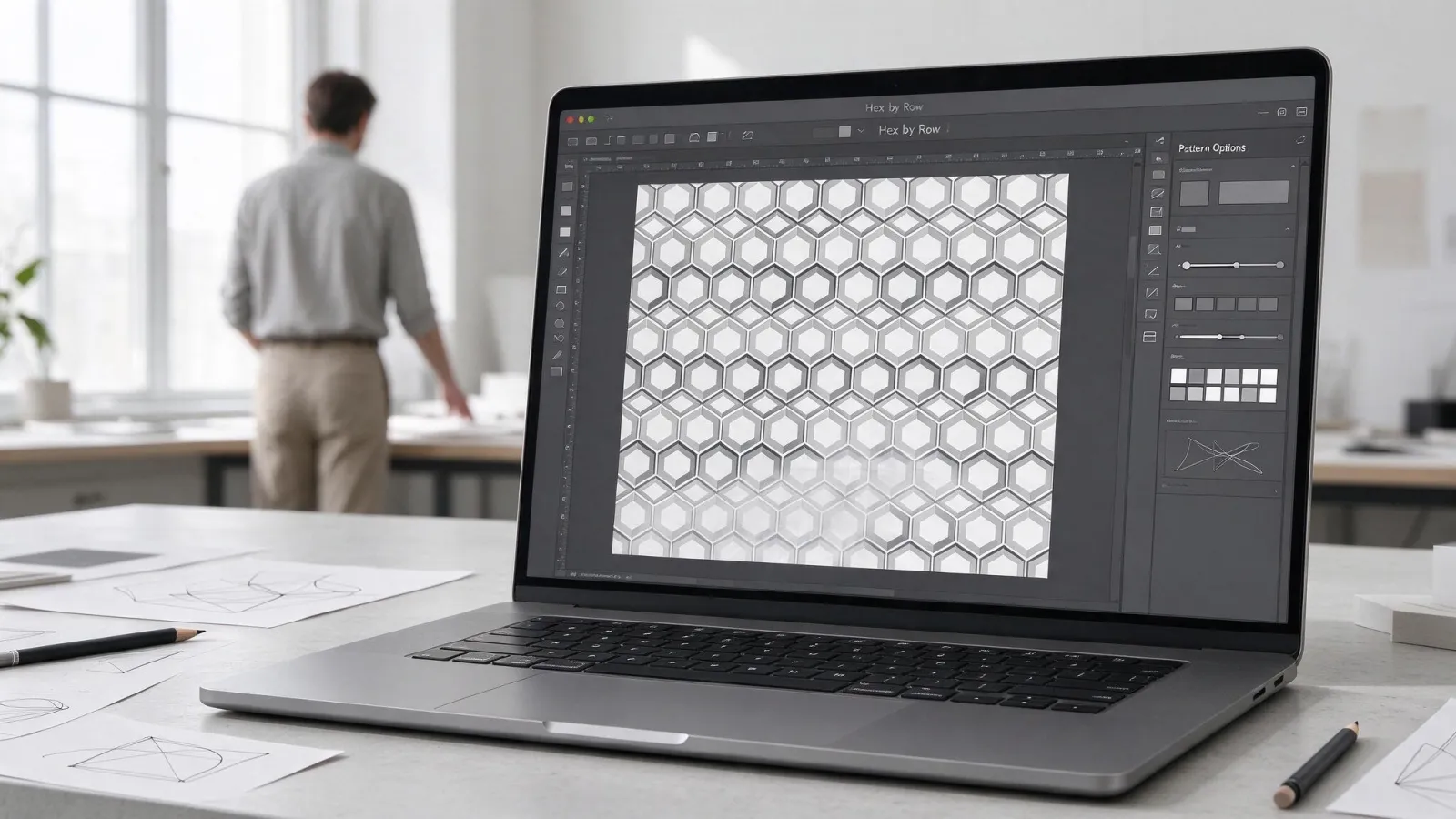
Pattern Options là bảng và chế độ chỉnh sửa trong Illustrator dùng để tạo hoạ tiết lặp liền mạch (pattern swatch) từ các hình vector, với nhiều kiểu xếp ô.
Hiểu kỹ hơn
Chọn hình làm hoạ tiết, vào Object › Pattern › Make. Illustrator chuyển sang chế độ sửa pattern và mở bảng Pattern Options. Tile Type có Grid, Brick by Row, Brick by Column, Hex by Column, Hex by Row; chỉnh Width, Height, Brick Offset, bật Size Tile to Art để ô ôm sát hình. Copies và Dim Copies to giúp xem trước sự lặp. Bấm Done trên thanh xám để lưu vào bảng Swatches. Muốn sửa pattern, bấm đúp vào swatch. Để dời hoặc co giãn hoạ tiết bên trong hình mà không ảnh hưởng khung, dùng Object › Transform với chỉ tick Transform Patterns, hoặc giữ phím ~ khi kéo. Pattern vector co giãn không vỡ, phù hợp in vải, bao bì, giấy gói.